Start with a clear portrait
Choose a sharp image with the face visible, natural expression, even lighting, and enough space around the head and shoulders.
Passport photo workflow
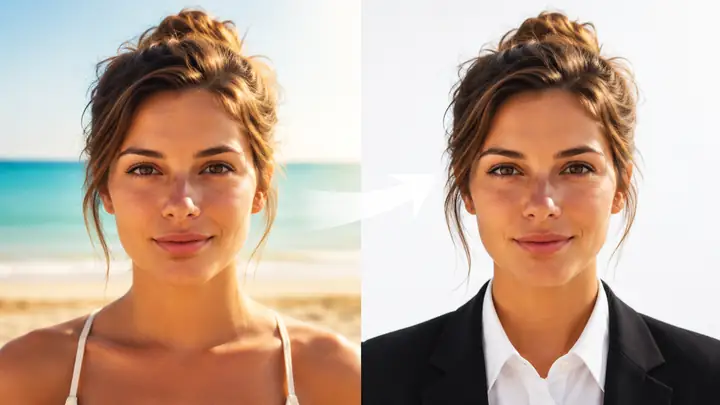
A cutout pro passport workflow can help isolate the subject, simplify the background, and create a more consistent starting image for a passport-style photo. Review the result against the rules of the organization requesting it.
One-line value
Cutout Pro helps turn an ordinary portrait into a cleaner passport-photo starting point by separating the subject, refining the background, and preserving a natural appearance.
Understand the broader app before using it for a passport-style image.
See how the photo-making workflow differs from a focused passport preparation task.
Review the online editing route when you want to prepare an image in your browser.
Limits and edges
Image cleanup is only one part of preparing an official photo. These checks still belong to you or to the authority receiving the image.
A polished portrait may still fail a government, visa, school, or employer requirement because standards vary by destination and document type.
WorkaroundCheck the current instructions from the issuing authority before submitting the final file.
Creative changes, heavy retouching, altered facial features, or generated details can make an image unsuitable for identity verification.
WorkaroundKeep facial structure, expression, skin detail, and identifying marks natural.
A visually plain background may not meet a particular requirement for tone, contrast, shadows, or uniformity.
WorkaroundInspect the background at full size and compare it with the destination's stated examples.
Blur, closed eyes, strong shadows, extreme angles, and low resolution may remain visible after editing.
WorkaroundStart with a sharp, front-facing portrait taken in even light.
How it works
Use the editor as a preparation aid, then perform a separate compliance review before treating the image as ready for an application.
Choose a sharp image with the face visible, natural expression, even lighting, and enough space around the head and shoulders.
Ask Cutout Pro to isolate the subject and simplify the background without changing recognizable facial details or adding creative styling.
Inspect edges, shadows, proportions, and facial detail at full size, then follow the destination's instructions for cropping, dimensions, and submission.
Visual check
The useful change is usually restrained: a clearer subject boundary and less distracting background, not a dramatic transformation.
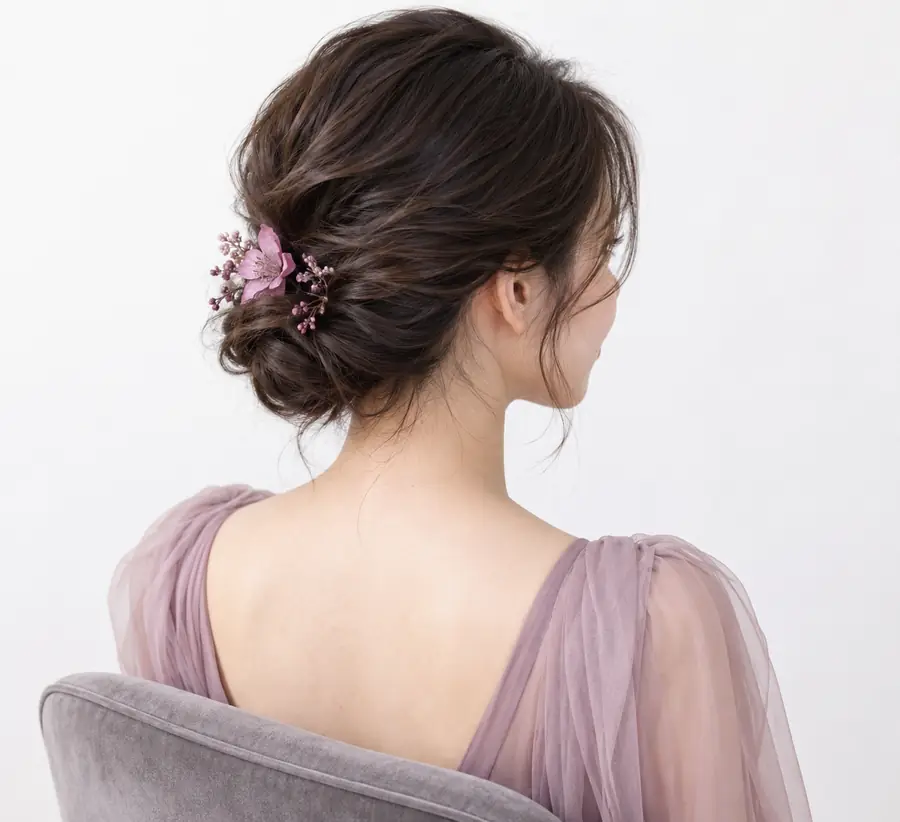
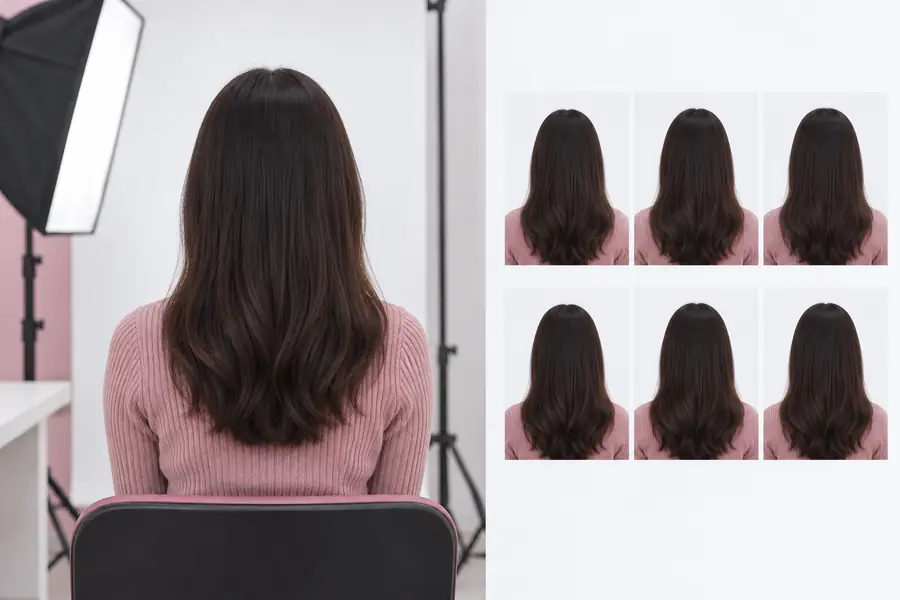
Compare the face and edges, not just the background.
Who it helps
The same preparation workflow can support several practical situations, provided the final image is checked against the relevant rules.
You have a suitable portrait but need a simpler background and a more document-ready presentation.
Use the result as a clear starting point, then confirm the exact submission requirements. The cutout pro photo maker page explains the wider photo workflow.
cutout pro photo makerYour existing portrait looks busy or uneven and you want to test a cleaner version before arranging a new image.
Compare the prepared version with the renewal guidance and keep the most natural result. The cutout pro online free page covers the browser-based route.
cutout pro online freeAn institution asks for a plain-background headshot but does not require the same process as a government document.
Prepare a restrained portrait that is easy to review and label it according to the institution's instructions. The what is the cutout pro app guide gives useful context on the tool.
what is the cutout pro appYou need a repeatable first pass for several portraits before checking each one manually.
Use consistent prompts and a human review checklist so that cleanup does not become unapproved retouching. The cutout pro photo maker workflow is the closest related reference.
cutout pro photo makerReady for a first pass
Bring a clear portrait into the workflow and describe the background cleanup you need. Cutout Pro can help with the visual preparation, while the final acceptance check remains with you and the receiving authority.
Passport questions
It can help prepare a portrait with a cleaner subject and background, but it cannot guarantee official acceptance. Always compare the final image with the current requirements from the authority receiving it.
A sharp, front-facing portrait with even lighting is the strongest starting point. Blurred images, strong shadows, extreme angles, or blocked facial features may remain unsuitable after editing.
Keep facial structure, identifying marks, and natural skin detail unchanged unless the receiving authority explicitly permits limited retouching. The safest use of this workflow is background and presentation cleanup rather than identity-changing edits.
Inspect the face, hair edges, shadows, background uniformity, crop, and overall proportions at full size. Then verify the required dimensions, file rules, expression guidance, and background standards for your specific destination.